 |
 |
 |
 |
 |
 |



|
intelliCommander The NewsTicker intelliCommander provides the ultimate in broadcast control. Designed with MCR operators in mind, it provides easy access to start, stop, and pause any NewsTicker broadcast, on up to three different character generators. It eliminates the need for another computer application in master control, or extensive NewsTicker training for MCR operators. 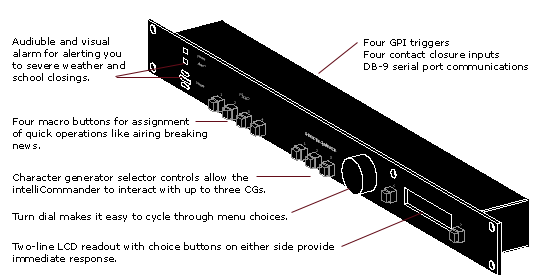
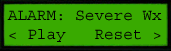
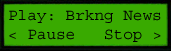
The intelliCommander features immediate dynamic feedback through its on-board LCD display. Airing a NewsTicker runlevel is as simple as turning a dial until the correct name appears on the LCD, and pushing play! This gives you access to all of your NewsTicker runlevels. Its interface is intuitive and streamlined -- you'll have it mastered in less than five minutes.
Other features include four macro buttons for one-touch display of runlevels, four external contact closure connections for hooking up extra buttons or using tally display outputs, and four GPI connections for use in triggering external devices. Summary of Features
|